
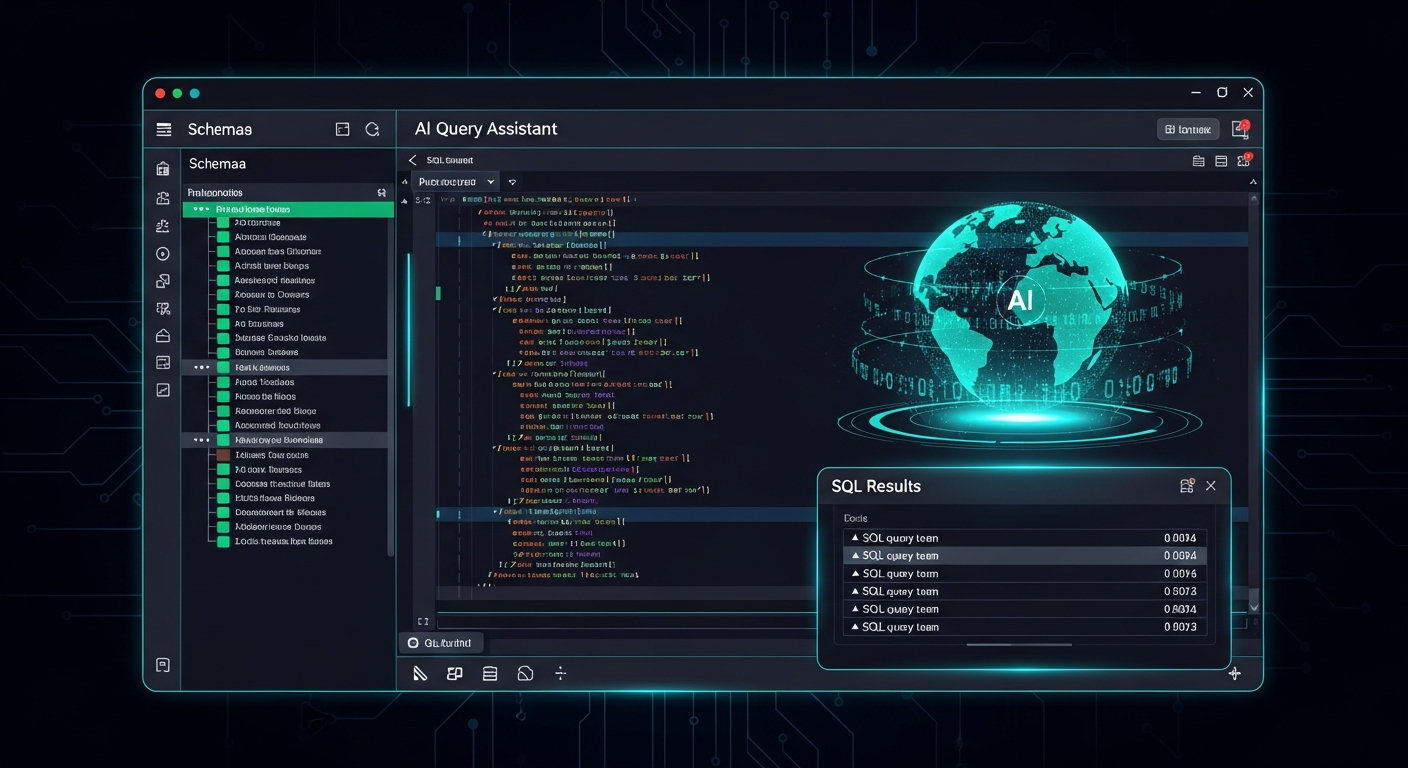
The average data engineer uses five to eight different tools to do their job: a SQL client for each database type, a separate BI tool, a schema explorer, a documentation wiki, a terminal for running migrations, and a spreadsheet for the data dictionaries they manually maintain. DBStudio is our answer to this fragmentation — a single workspace for querying, exploring, and understanding every database in your stack.
Multi-database, one workspace
DBStudio connects to PostgreSQL, MySQL, SQL Server, Oracle, Snowflake, BigQuery, MongoDB, and more from a single interface. You can have a PostgreSQL connection open in one tab and a Snowflake query running in another. Schema trees, table previews, and column-level metadata are available instantly for every connected source. No separate clients for each database engine — no credential juggling across five different tools.
IntelliShell: AI-assisted SQL
IntelliShell is the AI layer inside Studio. Type a question in plain English — "show me the 10 customers with the highest order value in the last 90 days" — and IntelliShell generates the SQL, explains the query, executes it, and formats the results. It's schema-aware, so suggestions are contextual to your actual tables and columns, not generic database knowledge.
For experienced engineers, IntelliShell accelerates exploration. For newer team members, it's a learning tool that shows the SQL behind every natural-language query.
Query Profiler
Slow queries are expensive queries. The Query Profiler captures execution plans, identifies sequential scans, suggests indexes, and shows the actual vs estimated row counts for every step of a complex query. It works across databases — each engine's explain output is normalised into a consistent format so your team doesn't have to learn five different EXPLAIN syntaxes.
Profiles are saved automatically, so you can compare the same query before and after an index change, or share a performance analysis with a colleague.
PII detection at query time
Here's the Studio feature that consistently surprises engineers: PII detection on query results. When a query result contains detected PII — email addresses, phone numbers, national IDs — Studio flags it inline. You see exactly which columns are sensitive, with the option to apply masking transformations to the result before exporting or sharing.
For teams building data products or running ad-hoc analytics on production data, this is the difference between accidentally sharing a spreadsheet full of customer SSNs and catching it before it leaves the building.